First-Person Game Engine Template · 2026
FP Engine
A reusable first-person movement kit with slide, mantle, and bunny-hop, tuned until it just feels right.

FP Engine
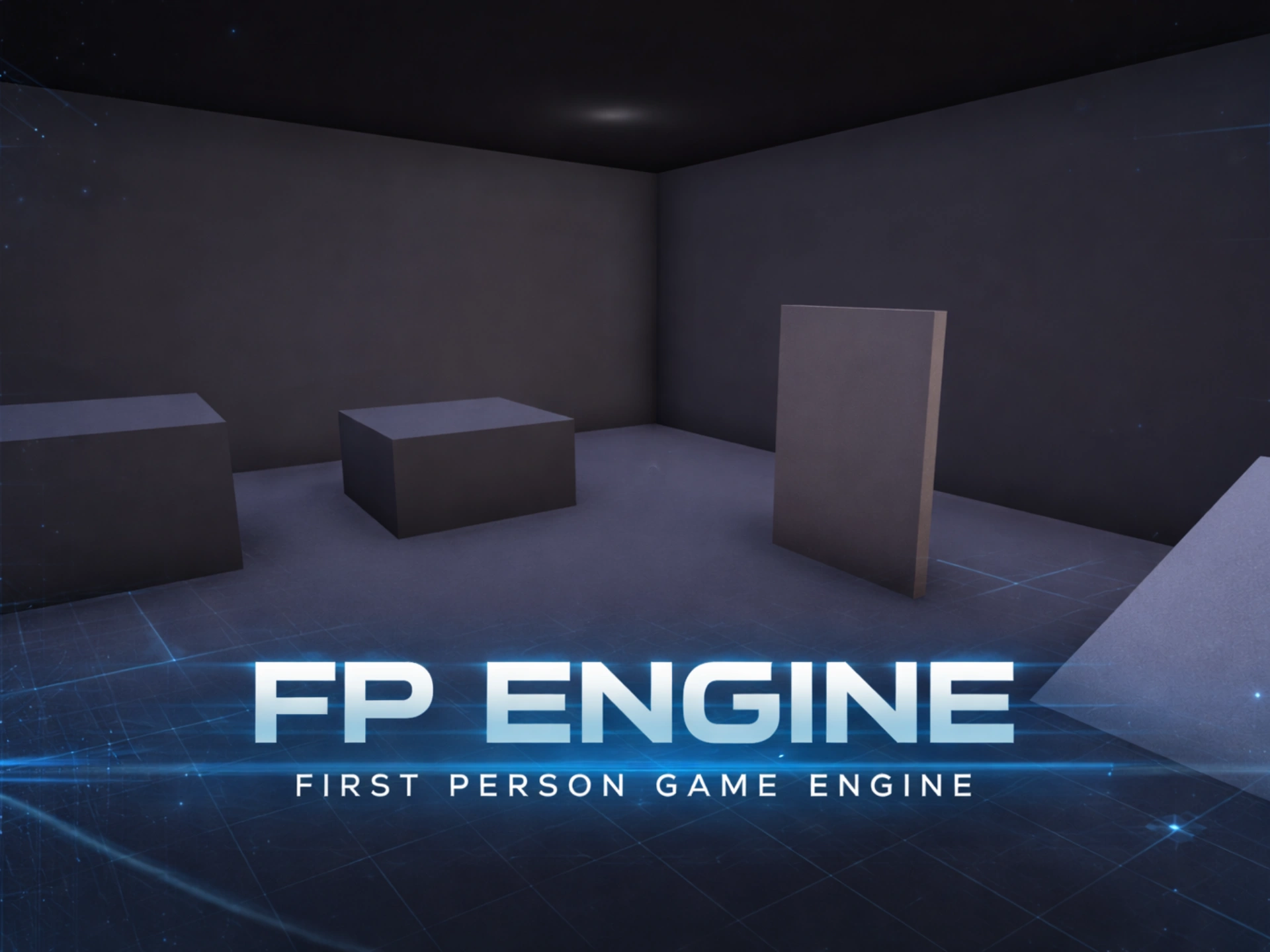
A reusable first-person game engine template built with Babylon.js 8.0, TypeScript, and Vite. I built it session by session, from a bare scene to a full movement sandbox.
Try it live → firstpersonengine.com
The Starting Point
This started as a question: what if the Three.js portfolio gallery I already built became the seed of something reusable?
The gallery at gregdesciscio.com proved that walking around a space in first person is genuinely compelling. But Three.js made me hand-roll everything: physics, character controllers, collision response, audio routing. Every interesting interaction meant writing plumbing first. Babylon.js 8.0 ships Havok physics, a capsule character controller, spatial audio, and a full post-processing pipeline in the box, all TypeScript-first. The movement feel, procedural audio, and UI patterns from the gallery were worth keeping. Everything else I wrote fresh.
The goal was a clean, extensible template that any first-person game could start from.
The Build
Day One: Foundation to Playable
The first session produced 34 TypeScript files across 11 modules: a playable prototype with Havok physics, multiple input sources (keyboard and mouse, gamepad, touch), procedural footstep audio, and a post-processing pipeline. Two decisions I made on day one shaped everything after.
ISystem interface. Every system (physics, audio, input, rendering) implements update(dt) and dispose(). The game loop walks a list of systems without knowing what any of them are. Adding or removing one never touches the loop.
IInputProvider pattern. Keyboard, gamepad, and touch are interchangeable providers that write into a shared InputState snapshot. PlayerController reads that snapshot and has no idea which device produced it. This paid off the moment mobile needed different sensitivity and sprint behavior: zero changes to the movement code.
The first real Babylon.js lesson was about side-effect imports. Tree-shaking strips Scene prototype methods unless you import the module that patches them in. scene.enablePhysics() needs joinedPhysicsEngineComponent.js. scene.pickWithRay() needs ray.js. TypeScript won’t warn you; these fail only at runtime. Grepping the .d.ts files for the missing method became a standard move early on.
Movement Feel
Raw WASD works. Movement that feels good takes deliberate work. I added seven techniques across two sessions:
- Asymmetric damping. Deceleration is lower than acceleration, so stops are snappier than starts. This one change does more for feel than anything else on the list.
- Coyote time. A 100ms grace window after you leave a ledge where a jump still fires. Kills the “I definitely pressed jump” frustration.
- Jump buffering. An 80ms pre-land input window. The jump fires the instant you touch ground, not when you pressed it a hair early.
- Variable jump height. Hold for full height, release early for a short hop. The Celeste and Hollow Knight approach.
- Landing dip. A brief camera offset scaled to impact speed. Kept separate from head bob (different timescale, different job).
- Sprint FOV. A smooth exponential lerp between walk and sprint field-of-view.
- Momentum grace window. On landing, air damping runs for 150ms before ground damping takes over. Well-timed consecutive jumps keep your speed. This became the seed of the bhop system.
The Slide System
Sprint plus crouch triggers a momentum slide. Easy to describe, fiddly to get right.
The slide has six tunable parameters (entry speed, friction decay, max duration, slope interaction, slide-jump boost, camera roll) and its own SlideState helper class, which I pulled out when PlayerController grew past the 200-line limit. The helper owns its lifecycle (cooldown, speed decay, direction locking) while PlayerController handles camera effects and ties it into the rest.
Slope detection was the hard part. Character controllers on downhill slopes are just unreliable: the player floats above the surface because horizontal movement carries the capsule past the slope faster than gravity pulls it down. checkSupport, grounded, and surfaceNormal all flicker. The fix was a slope grace timer: cache the last valid surface normal for 250ms and use it for the downhill check. Same trick as coyote time, same class of problem. A boolean that should be true but flickers false because of physics tick timing.
Camera roll during a slide exposed a subtler issue. The roll was always positive, always tilting right, no matter which way you were sliding. Once you turn your head mid-slide, a fixed-direction tilt stops matching the motion. The fix was a 2D cross product in _syncCamera: crossing camera forward with slide direction gives a signed value that tracks which side of the view the motion is on, in any orientation, with no extra state to keep.
Bunny Hop Chains
A slide-jump sets a _bhopChainPending flag. Land with crouch and forward held and a new slide starts immediately, skipping cooldown, at decayed speed. You can chain up to twice before it resets. Easy to describe, and it hid four bugs:
- Landing overwrote the slide-jump’s extended momentum timer. Fixed with
Math.max(). - Holding crouch through the jump arc set target velocity to crouch speed (1.5), bleeding off 29% of your slide-jump speed by the time you landed. Fixed by flooring the target to sprint speed while
_bhopChainPending. - The 1.3x first-jump boost fired on every chain, so speed grew faster than decay could remove it. Chain jumps now use 1.0x: pure carry, no free acceleration.
- The momentum speed floor kicked in on every landing, not just bhop landings, which let walk-and-jump spam creep up to sprint speed. Scoped it to
_bhopChainPendingonly.
Tuning the cap (max 2 chains, 15% decay per chain, slope boost suppressed during chains) was a balance between expressive movement and letting people break it. The current numbers make skilled play feel fast without opening up a trivial infinite-speed loop.
Mantle System
Jump toward a ledge while moving forward and you vault onto it. Detection uses three rays: a forward ray finds the wall, a downward ray finds the ledge surface, an upward ray checks there’s headroom above. It fires for ledges between 0.8 and 2.6m. On a hit, a quadratic bezier arc with smoothstep easing carries you from where you are to standing on top.
Two things I learned building it:
Capsule center is a terrible height reference. The center rises about a metre during a jump, which shrinks the valid detection window to one or two frames. Feet position is far steadier. Switching to feetY = capsulePos.y - capsuleHeight/2 opened up a wide, multi-frame window across the whole arc.
The forward ray is an assumption, not a guarantee. Sloped geometry, ramps, and thin rotated objects have no vertical face for it to hit. A fallback “down-first probe” at a fixed reach distance doesn’t care about geometry and catches everything the forward ray misses.
The camera effects took one failed pass. Additive pitch and roll offsets left the view feeling off after the animation finished; Babylon.js’s Euler angle handling did odd things when roll returned to zero. I stripped it back to position only: an eye dip as you grab the ledge, and a slight FOV squeeze as you pull over. Both are reliable, neither touches the angle system, and together they make a mantle feel physically different from a plain jump.
The mantle boost came later. Hold crouch as a mantle finishes (or tap jump mid-arc on mobile) and you launch into a short slide burst on the ledge. The slide system already did the heavy lifting: SlideState.forceStart() existed for bhop chains, so adding an optional duration parameter was the whole change.
Mobile Controls
Mobile had three problems stacked on top of each other:
TouchProviderwas never registered inGame.ts. The class existed, was mostly correct, and was simply never plugged in.- Mobile browsers don’t support
requestPointerLock().PlayerControllerbailed early when!pointerLock.locked, so nothing ran on mobile at all. - Touch look sensitivity was inverted. Dividing by 0.004 amplified the deltas by 250x.
With the basics fixed, two more issues showed up: boolean input quantization (the joystick’s smooth -1 to +1 range was crushed to on/off by a threshold, which snapped your direction) and no sprint on mobile. Both fell out of the provider pattern cleanly. I added analog axes to InputState and auto-sprint at 85% joystick deflection to TouchProvider. Neither touched PlayerController.
Touch look smoothing was its own thing. touchmove events fire at uneven intervals, so some frames get zero movement and the next gets a big chunk, which jerks the camera. Consuming a fraction of the smoothing buffer per frame (55%) spreads one event across roughly three frames with about 50ms of lag, which you can’t feel on touch.
Mobile performance needed its own preset: SSAO off (the biggest win), bloom kernel halved, pixel ratio capped at 1.5x. It’s detected once at init and applied as a frozen config variant via spread syntax. No runtime adaptation, no extra moving parts.
Architecture Snapshot
Game.ts (orchestrator)
├── EngineManager → Babylon Engine + resize
├── SceneManager → Scene lifecycle
├── PhysicsSystem → Havok WASM init
├── CharacterController → Capsule physics (gravity, jump, ground detection)
├── FirstPersonCamera → UniversalCamera (inputs cleared)
├── InputSystem → Aggregates providers
│ ├── KeyboardMouseProvider
│ ├── GamepadProvider
│ └── TouchProvider
├── PlayerController → Input → velocity → physics → camera
│ ├── SlideState → Slide mechanics (direction, speed, cooldown)
│ ├── MantleState → Ledge detection + bezier arc
│ └── MantleCameraFX → Eye dip + FOV squeeze during mantle
├── HeadBob → Sinusoidal offset from speed
├── AudioSystem → Web Audio context + unlock
├── ProceduralFootsteps → Synthesis + reverb (bob-synced)
├── ProceduralSlide → Looping friction-scrape sound
├── PostProcessingSystem → DefaultPipeline + SSAO2
├── InteractionSystem → Per-frame raycast, E-key callbacks, mesh outline
├── TutorialSystem → Zone-gated step progression
└── LoadingScreen → HTML/CSS overlay
70 TypeScript files across 13 modules. ~6,100 lines. All files under 200 lines.
What Carried Over from Three.js
| System | Original (Three.js) | New (Babylon.js) | What Changed |
|---|---|---|---|
| Movement feel | Velocity lerp + damping | Same math, feeds physics controller | Physics handles collision instead of raycasts |
| Head bob | Sinusoidal Y offset | Same algorithm | Now drives footstep triggers |
| Footsteps | Filtered noise + convolver | Same synthesis pipeline | Triggers from bob phase zero-crossings |
| Touch controls | Split-zone joystick + look | Same zones, IInputProvider interface | Pluggable, not hard-wired |
| Loading screen | HTML/CSS overlay | Same pattern | Simpler, no portfolio content |
| Post-processing | Three.js EffectComposer | Babylon DefaultRenderingPipeline | Built-in pipeline replaces custom shaders |
Key Technical Decisions
Raw Web Audio API, not Babylon’s audio engine. I wanted more control over the synthesis. Footsteps are procedural filtered noise, not sound files, tuned every frame via AudioParam. The slide is a looping lowpass-filtered noise buffer whose cutoff moves with your speed. When two audio systems ended up duplicating the same reverb setup, I pulled the shared routing into a utility.
HTML and CSS overlays for all UI. They render before the engine is ready, cost nothing in 3D, and are easy to restyle. The loading screen, tutorial, interaction prompts, and pause menu are all DOM, not 3D text or in-world geometry.
Object.freeze() on every config. Games hand frozen config objects to system constructors, so tuning values never get mutated at runtime. Variants use spread syntax: { ...BASE_CONFIG, ...overrides }.
checkSupportToRef() over checkSupport(). The convenience version allocates four objects per call internally. At 60fps that was the only meaningful hot-path allocation left in the render loop. A pre-allocated CharacterSurfaceInfo at module scope makes it go away.
Guard flags need a fallback expiry. There was a ramp-edge bug where clipping geometry left the player permanently unable to jump. _pendingJump had a single clearing condition (!supported) that assumed physics would report unsupported once you jumped. Near geometry, Havok reports continuous support through the whole jump arc, so the flag never cleared. I added a second condition, verticalVelocity <= 0, so the flag expires when the jump impulse is spent no matter what the surface reports.
Current Feature Set
Movement: Walk, sprint, crouch, crouch-slide with slope interaction, slide-jump, bunny hop chains (max 2), ledge mantle with bezier arc, mantle boost-slide, moving-platform riding.
Audio: Procedural footsteps (bob-synced, speed-scaled, softened when crouching), procedural slide friction (looping, cutoff follows speed), spatial audio via Web Audio API.
Input: Keyboard and mouse, gamepad (analog movement, toggle sprint, L3 sprint), touch (analog joystick, tap to jump, slide button, auto-sprint at full deflection).
Mobile: Its own post-processing preset (SSAO off, reduced bloom), 1.5x pixel-ratio cap, touch look smoothing, pointer-lock bypass.
World: Interaction system (raycast, E-key callbacks, mesh outline), tutorial system (zone-gated progression, 8-step obstacle course), moving platforms.
Engine: ISystem loop, frozen config layer, dev Inspector (dynamic import, backtick to toggle), static mesh optimization (freezeWorldMatrix, skipPointerMovePicking).
What This Demonstrates
Building a game engine from scratch, even a small one, drags you into problems that normal app work never surfaces: physics tick ordering, input convention mismatches, per-frame allocation budgets, platform-specific APIs, and the way systems designed in isolation start colliding once they run together.
Building it one session at a time made those collisions easy to see. The bhop speed loop only made sense once I understood how four separate systems (slide entry, jump boost, momentum grace, airborne velocity flooring) stacked up. The mantle camera artifacts meant learning Babylon.js’s Euler angle system well enough to know when to stop fighting it and simplify. The mobile jump-lock bug took debug logging to reveal a failure mode completely different from what the code seemed to say.
The output is a template. Anything that starts from it gets movement that feels tuned, input that works on every device, audio that reacts to what the player is doing, and a clean module graph to build on.
Gallery
Gallery coming soon
More visuals from this project are on the way.